
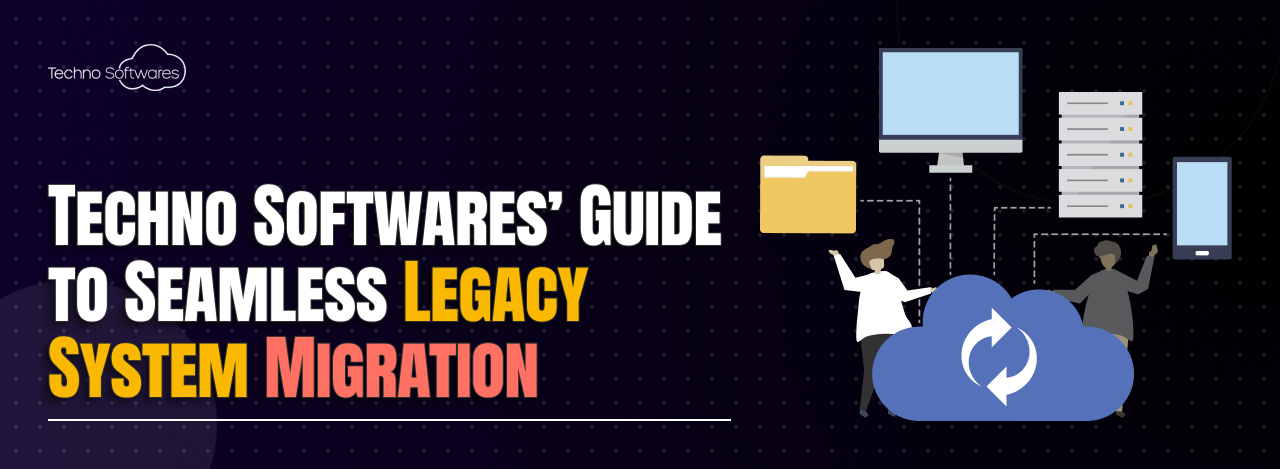
Techno Softwares’ Step-by-Step Guide to Smooth Legacy System Migration
In today’s fast-paced technological landscape, the necessity for legacy system migration has become increasingly apparent. As organizations grow and evolve, they often find themselves relying on outdated systems that can hinder their ability to compete effectively. These legacy systems, while once cutting-edge, may now be cumbersome, inflexible, and unable to integrate with modern applications.
By migrating to newer systems, we can unlock a plethora of benefits, including improved efficiency, enhanced security, and greater scalability. The need for migration is not merely a matter of keeping up with trends; it is about ensuring that our organizations remain agile and responsive to the demands of the market. Moreover, the risks associated with maintaining legacy systems cannot be overlooked.
As technology advances, the support for older systems diminishes, leading to potential vulnerabilities and increased maintenance costs. We may find ourselves facing challenges such as data loss, compliance issues, and a lack of technical expertise to manage these outdated systems. By recognizing the need for migration, we position ourselves to embrace innovation and leverage new technologies that can drive our organizations forward.
This proactive approach not only mitigates risks but also empowers us to harness the full potential of our data and resources.
Key Takeaways
- Legacy system migration is necessary to keep up with technological advancements and business needs.
- Assessing the current legacy system helps in understanding its limitations and identifying areas for improvement.
- Planning the migration process involves setting clear goals, timelines, and resource allocation.
- Selecting the right migration tools and technologies is crucial for a smooth and successful transition.
- Data migration strategies should prioritize data security, accuracy, and minimal disruption to business operations.
- Testing and validation of the new system is essential to ensure its functionality and compatibility with existing processes.
- Training and support for users is important to facilitate a smooth transition and maximize the benefits of the new system.
- Monitoring and continuous improvement of the new system is necessary to address any issues and optimize its performance over time.
Assessing the Current Legacy System
Before embarking on the migration journey, it is crucial for us to conduct a thorough assessment of our current legacy system. This evaluation involves understanding the architecture, functionality, and performance of the existing system. We must identify which components are still serving their purpose and which ones are becoming bottlenecks.
By engaging with stakeholders across various departments, we can gather insights into how the legacy system impacts their workflows and identify pain points that need addressing in the new system. Additionally, we should analyze the data stored within the legacy system. This includes assessing data quality, relevance, and accessibility.
Understanding the types of data we hold and how they are utilized will inform our migration strategy and help us determine what needs to be retained, transformed, or discarded. By taking a comprehensive inventory of our current system, we can create a solid foundation for planning a successful migration that aligns with our organizational goals.
Planning the Migration Process
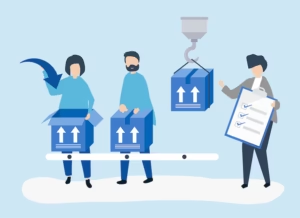
With a clear understanding of our current legacy system in place, we can begin to outline a detailed migration plan. This plan should encompass timelines, resource allocation, and key milestones to ensure that we stay on track throughout the process. We must also consider potential risks and challenges that may arise during migration and develop contingency plans to address them proactively.
Engaging with cross-functional teams will be essential in this phase, as their diverse perspectives can help us identify potential pitfalls and opportunities for improvement. Furthermore, we should establish clear objectives for the migration process. What do we hope to achieve with the new system?
Whether it’s improved performance, enhanced user experience, or better integration capabilities, having well-defined goals will guide our decision-making throughout the migration journey. By setting measurable targets, we can evaluate our progress and make necessary adjustments along the way. A well-structured plan not only streamlines the migration process but also fosters collaboration among team members, ensuring that everyone is aligned toward a common vision.
Selecting the Right Migration Tools and Technologies
Choosing the appropriate tools and technologies for our migration is a critical step that can significantly impact the success of our project. We must evaluate various options available in the market, considering factors such as compatibility with existing systems, ease of use, scalability, and cost-effectiveness. It is essential to involve IT specialists who can provide insights into the technical requirements and help us make informed decisions based on our specific needs.
In addition to traditional migration tools, we should also explore cloud-based solutions that offer flexibility and scalability. Cloud technologies can provide us with enhanced capabilities for data storage and processing while reducing infrastructure costs. As we assess different tools, we should prioritize those that facilitate seamless integration with modern applications and support automation to streamline processes.
By selecting the right tools and technologies, we can ensure a smoother transition to the new system while minimizing disruptions to our operations.
Data Migration Strategies
Data migration is often one of the most complex aspects of legacy system migration. We must develop a robust strategy that addresses how we will transfer data from the old system to the new one while ensuring data integrity and security throughout the process. One approach is to conduct a phased migration, where we gradually move data in manageable chunks rather than attempting a complete overhaul all at once.
This method allows us to monitor progress closely and address any issues that arise without overwhelming our resources. Another critical consideration is data cleansing and transformation. Before migrating data, we should assess its quality and relevance to ensure that only accurate and necessary information is transferred to the new system.
This may involve removing duplicates, correcting errors, and standardizing formats. By taking these steps, we can enhance the overall quality of our data in the new system, leading to better decision-making and improved operational efficiency.
Testing and Validation of the New System

Comprehensive Testing Plan
A comprehensive testing plan is essential to evaluate system performance under different conditions. This plan should include various scenarios to identify any bugs or issues before going live, minimizing disruptions for end-users.
User Acceptance Testing (UAT)
User acceptance testing (UAT) is a critical component of the testing phase. Engaging end-users in testing helps gather valuable feedback on usability and functionality. Their insights can guide us in making necessary adjustments before full deployment.
Building Confidence in the New System
By prioritizing thorough testing and validation, we can instill confidence in our new system. This ensures that the system meets the needs of all stakeholders involved and provides a seamless experience for end-users.
Training and Support for Users
As we transition to a new system, providing adequate training and support for users is paramount. We must recognize that change can be challenging for employees who are accustomed to legacy systems. To facilitate a smooth transition, we should develop a comprehensive training program tailored to different user groups based on their roles and responsibilities within the organization.
Training sessions can include hands-on workshops, online tutorials, and user manuals that provide step-by-step guidance on navigating the new system. Additionally, establishing a support team or helpdesk can offer ongoing assistance as users acclimate to the changes. By investing in user training and support, we empower our employees to embrace the new system confidently, ultimately leading to higher adoption rates and improved productivity.
Monitoring and Continuous Improvement of the New System
The migration process does not end with deployment; rather, it marks the beginning of an ongoing journey toward continuous improvement. We must establish monitoring mechanisms to track system performance and user satisfaction over time. Regularly reviewing key performance indicators (KPIs) will help us identify areas for enhancement and ensure that the new system continues to meet our evolving needs.
Feedback loops are essential in this phase as well. Encouraging users to share their experiences with the new system allows us to gather insights into potential issues or areas for improvement. By fostering a culture of continuous feedback and adaptation, we can make informed decisions about future updates or enhancements to the system.
Ultimately, by committing to ongoing monitoring and improvement efforts, we position ourselves for long-term success in an ever-changing technological landscape. In conclusion, migrating from legacy systems is a multifaceted process that requires careful planning, execution, and ongoing support. By understanding the need for migration, assessing current systems thoroughly, selecting appropriate tools, implementing effective data strategies, testing rigorously, training users adequately, and committing to continuous improvement, we can navigate this complex journey successfully.
Embracing this transformation not only enhances our operational efficiency but also positions us strategically for future growth in an increasingly digital world.
For those interested in enhancing their understanding of software development processes, particularly in the context of mobile applications, a related article to Techno Softwares’ Step-by-Step Guide to Smooth Legacy System Migration is the Complete Guide on React Native for Mobile App Development. This guide provides an in-depth look at using React Native, a popular framework for building mobile apps, which can be particularly useful when considering the integration of new technologies into legacy systems during a migration process. The article offers valuable insights into how React Native can streamline the development process, making it a relevant resource for developers looking to modernize outdated systems efficiently.
FAQs
What is a legacy system?
A legacy system refers to an outdated or obsolete computer system, technology, or application that is still in use within an organization.
Why is it important to migrate from a legacy system?
Migrating from a legacy system is important to improve efficiency, reduce maintenance costs, enhance security, and take advantage of modern technologies and features.
What are the challenges of legacy system migration?
Challenges of legacy system migration include data migration, compatibility issues, business process re-engineering, and potential disruption to operations.
What are the steps involved in smooth legacy system migration?
The steps involved in smooth legacy system migration include assessment of the current system, setting migration goals, planning the migration process, testing, data migration, and post-migration support.
How can Techno Softwares help with legacy system migration?
Techno Softwares provides a step-by-step guide to smooth legacy system migration, offering expertise in assessing, planning, and executing the migration process to ensure minimal disruption and maximum benefits for the organization.


